Sign Up for an Event
Join an event with your team or as an individual.
Registration starts on the public event page. The exact flow depends on the event format: standard tournaments use teams, draft events accept individual players, and a 1v1 community cup can use solo registration.
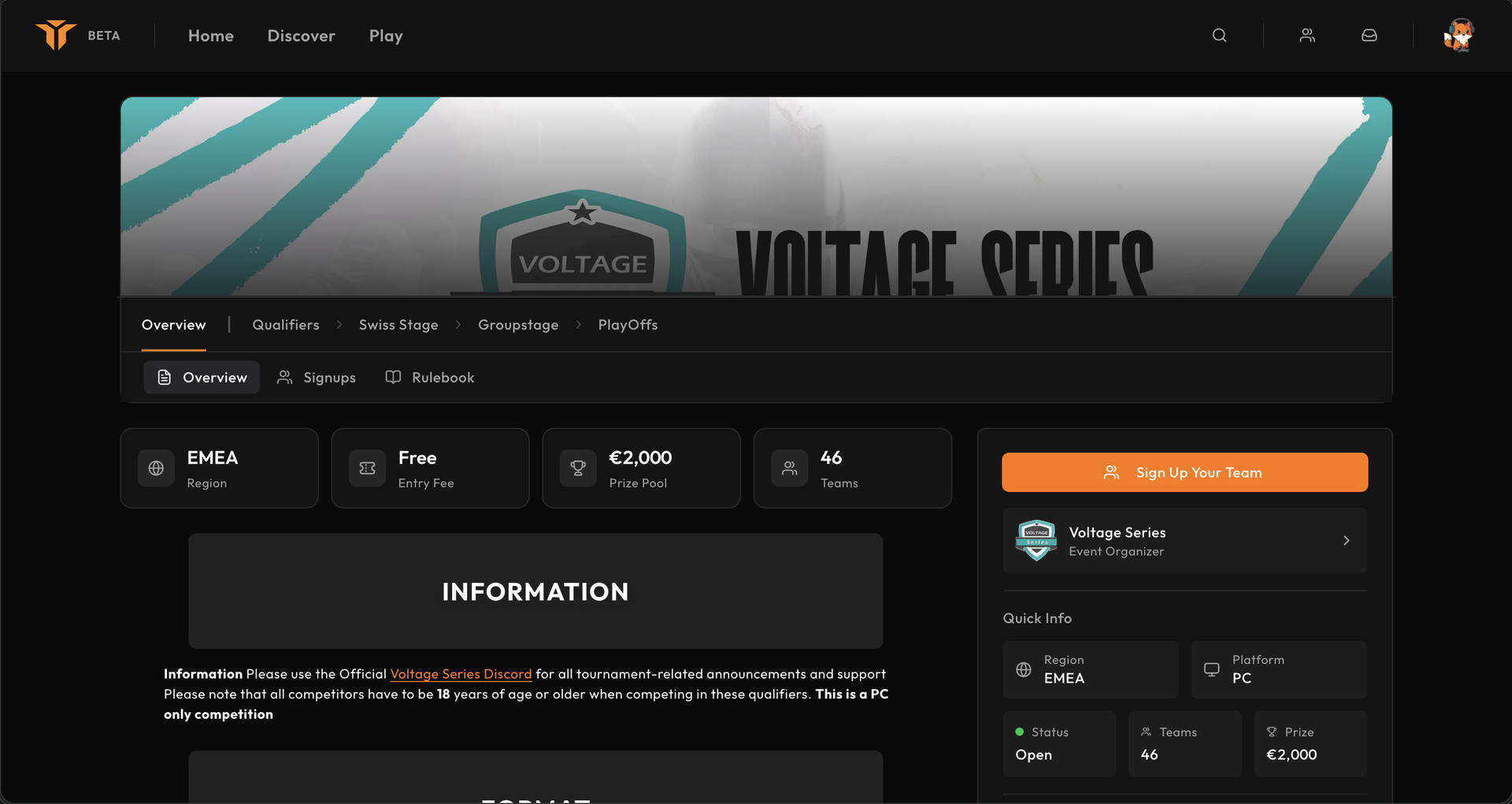
Check the event first
Before registering, review:
- the event platform, region, and dates;
- the rules and required anti-cheat software;
- the first-stage groups and check-in windows;
- team-size or roster requirements;
- entry fees and organiser approval;
- any custom questions on the signup form.
For a team event, you must belong to a team and have permission to manage its event registrations. If you do not have one yet, start with Create a team.
Register a team
- Open the event page while registration is open.
- Select Sign Up Your Team.
- Choose an eligible team. Teams already entered are labelled Registered; teams you cannot manage are labelled Locked.
- Select one or more qualifier groups when the event offers group choice.
- Answer the organiser's questions.
- Review the team, groups, and answers.
- Select Confirm Registration.
If the event uses a managed entry fee, Strave opens the secure checkout before confirming the registration.
Draft and solo events
In a draft event, select Sign Up as Player and choose the role or input type requested by the organiser. Captains later draft approved players into event teams.
In a 1v1 community cup, register yourself rather than a source team. Community cups with two or more players per side use the normal team flow.
Approval and ban checks
An organiser may require manual approval. In that case your entry remains pending until it is reviewed. Active event or organisation bans are checked during signup:
- a team-level ban blocks the registration;
- banned members are excluded from the event-team lineup;
- organisers can still review the submitted roster and answers.
Manage your registration
After signing up, open the registration action again to view its current state. Depending on the event rules and timing, you can:
- change selected groups;
- update answers;
- check in during an open check-in window;
- withdraw before participation is locked.
Check-in is tracked per first-stage group. Missing a required check-in can keep the team out of seeding even when its registration was approved.
After registration
Strave creates an event-specific team. The organiser manages its approval, check-in, and lineup rules independently from your main team. See Event teams for roster changes and How matches work for match-day responsibilities.